We are excited to announce Titan Dental Design v1.2.6! This release brings lightning-fast performance with our new multi-server infrastructure, powerful direct printing controls, innovative attachments, and much more. Let's dive into everything that's new!
Scalable Multi-Server Infrastructure

Say goodbye to lag and slow connections! Titan now features a scalable multi-server architecture that automatically connects you to the nearest server based on your location. Whether you're in North America, Europe, or anywhere else, you'll experience faster load times and smoother performance.
Our enhanced region detection ensures you're always connected to the optimal server, making your treatment planning workflow faster than ever.
Per-Tooth Shell Thickness Control
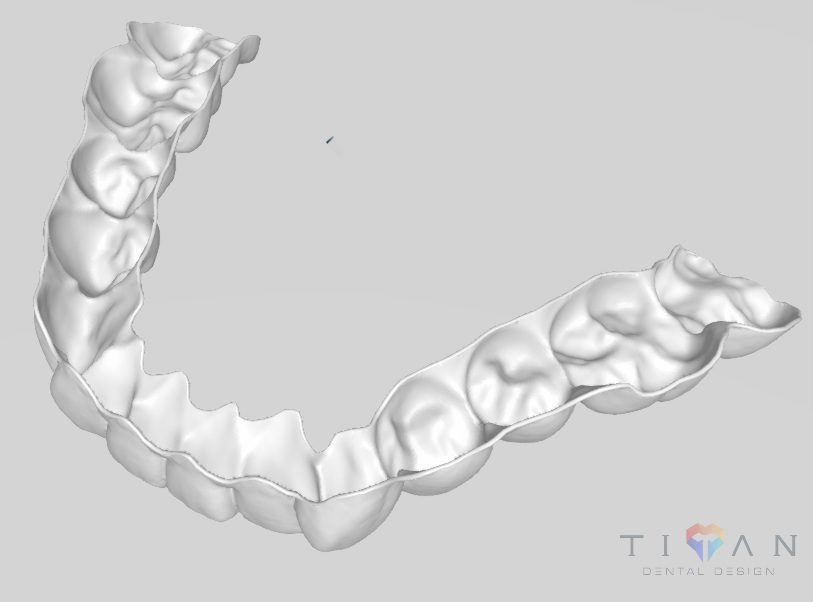
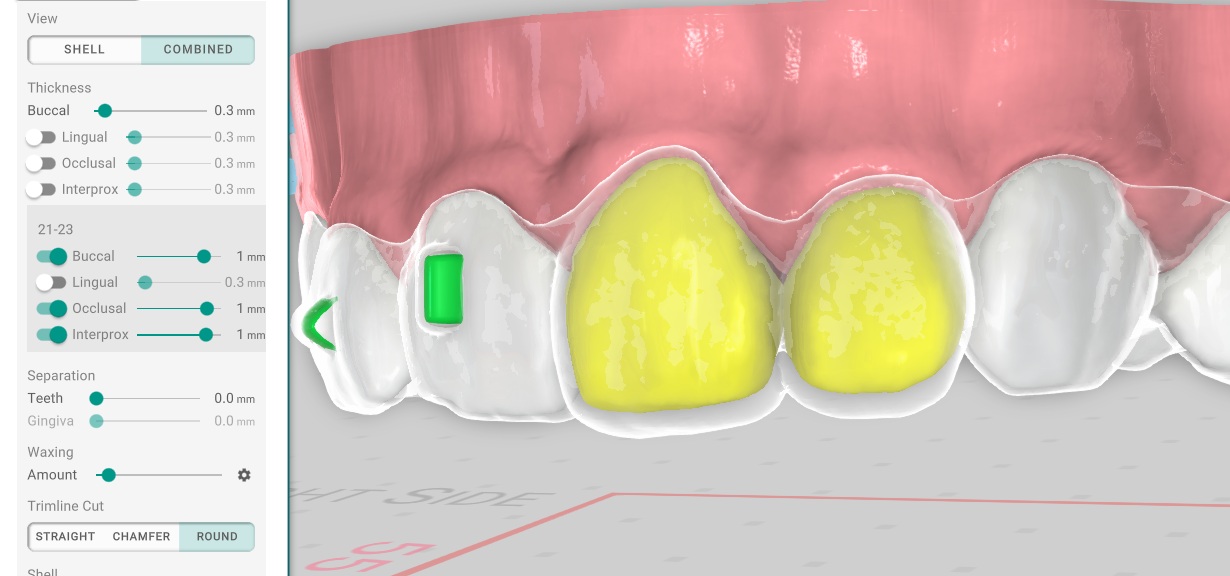
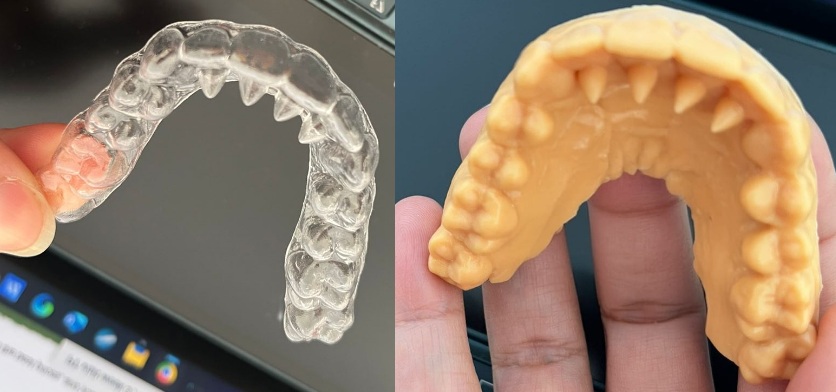
Direct printing just got a major upgrade! You can now specify shell thickness per-tooth with granular control over each surface:
Lingual, Buccal, Occlusal, Interproximal
This level of precision means better-fitting aligners and more predictable treatment outcomes. Plus, the new interproximal waxing feature reduces spikes for cleaner prints.
New Tongue Trainer Attachments
Introducing Tongue Trainer attachments! These specialized attachments help guide proper tongue posture during treatment, supporting better oral habits and improved treatment results.
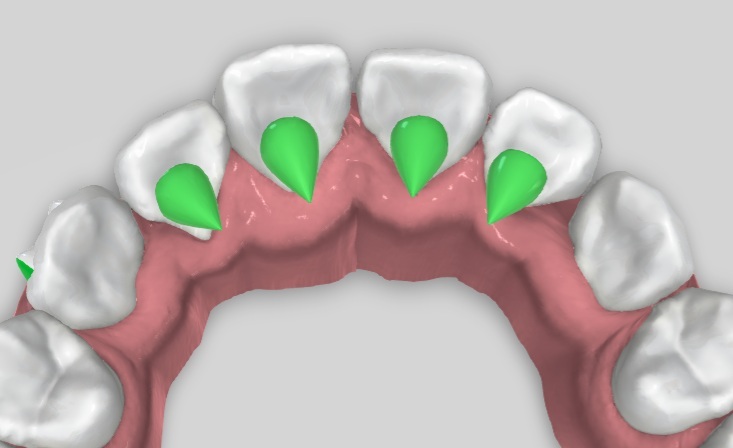
Tongue trainers are easy to place and integrate seamlessly with your existing attachment workflow. Perfect for cases where tongue thrust or improper tongue positioning is a concern.
New Rounded Bite Ramps
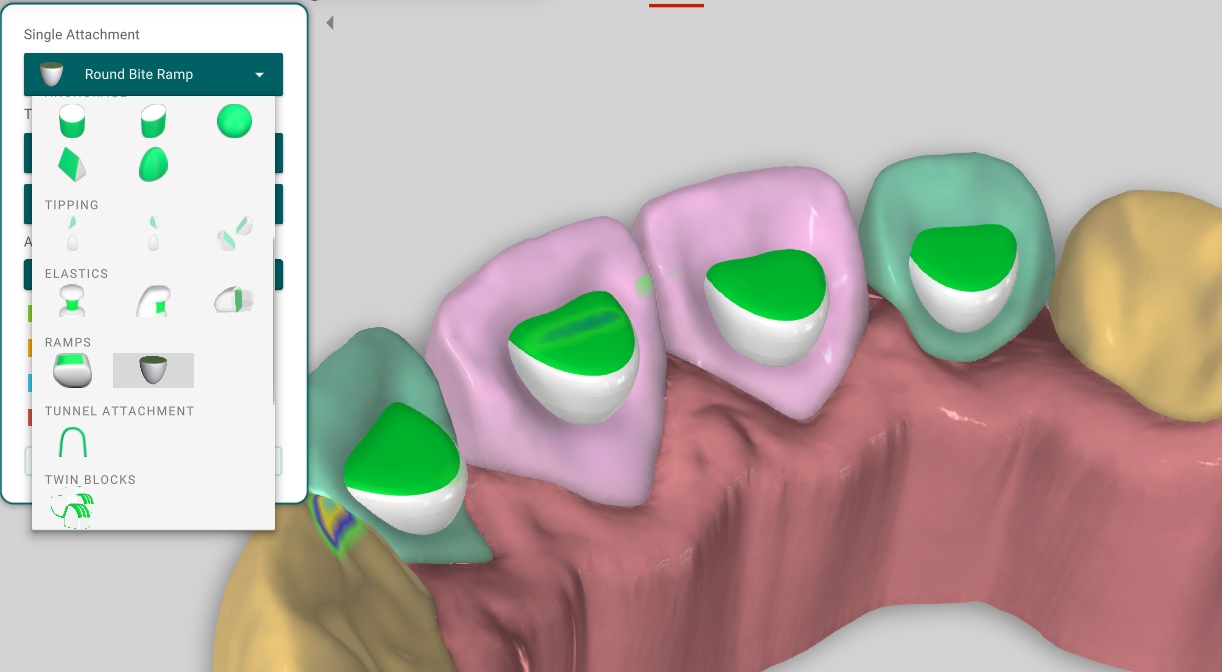
We've added a new rounded bite ramp option with a smoother surface profile. This gives you more flexibility when treating deep bites, with both the original angular design and the new rounded variant available.
Bite ramps now also display occlusal contacts instantly upon placement, so you can see the effect immediately without extra steps.
IPR Keys - Precision Timing Control
Take control of your IPR timing with the new IPR Keys feature! You can now specify exactly:
- When IPR should happen in the treatment sequence
- How much reduction at each contact point
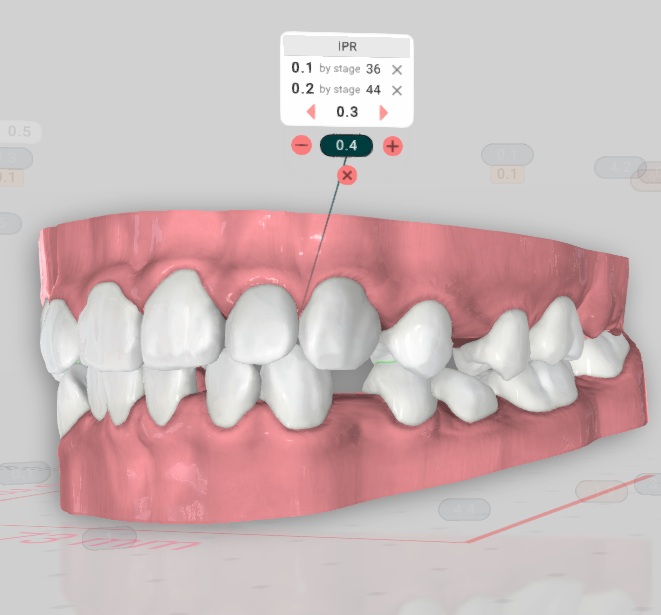
IPR keys are displayed in both the Overview letter and PDF exports, making it easy to communicate the treatment plan to your team and patients.
The redesigned collision indicators work hand-in-hand with IPR keys and spacing tools for a more intuitive experience.
Laser Label Support
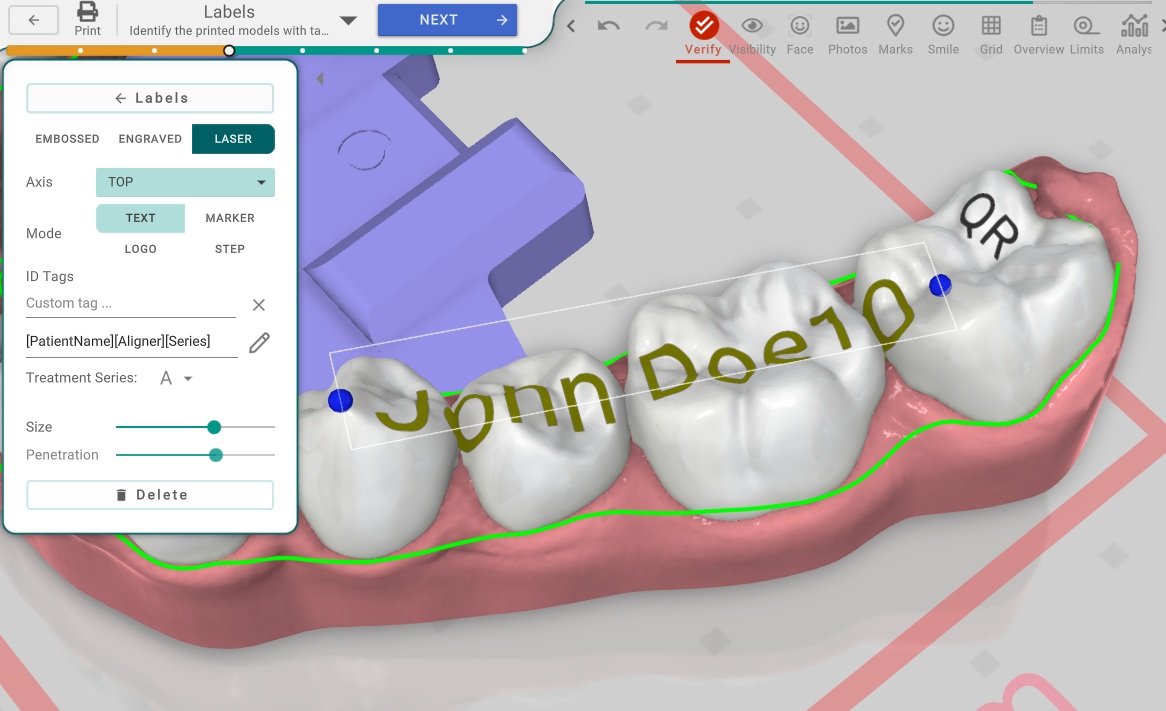
Brand your aligners like never before! Titan now supports laser labels for professional marking directly on your aligners:
- Text - Custom text marking
- Graphics - Visual markers and symbols
- Logo - Your practice or lab logo
- Aligner Number - Automatic step numbering
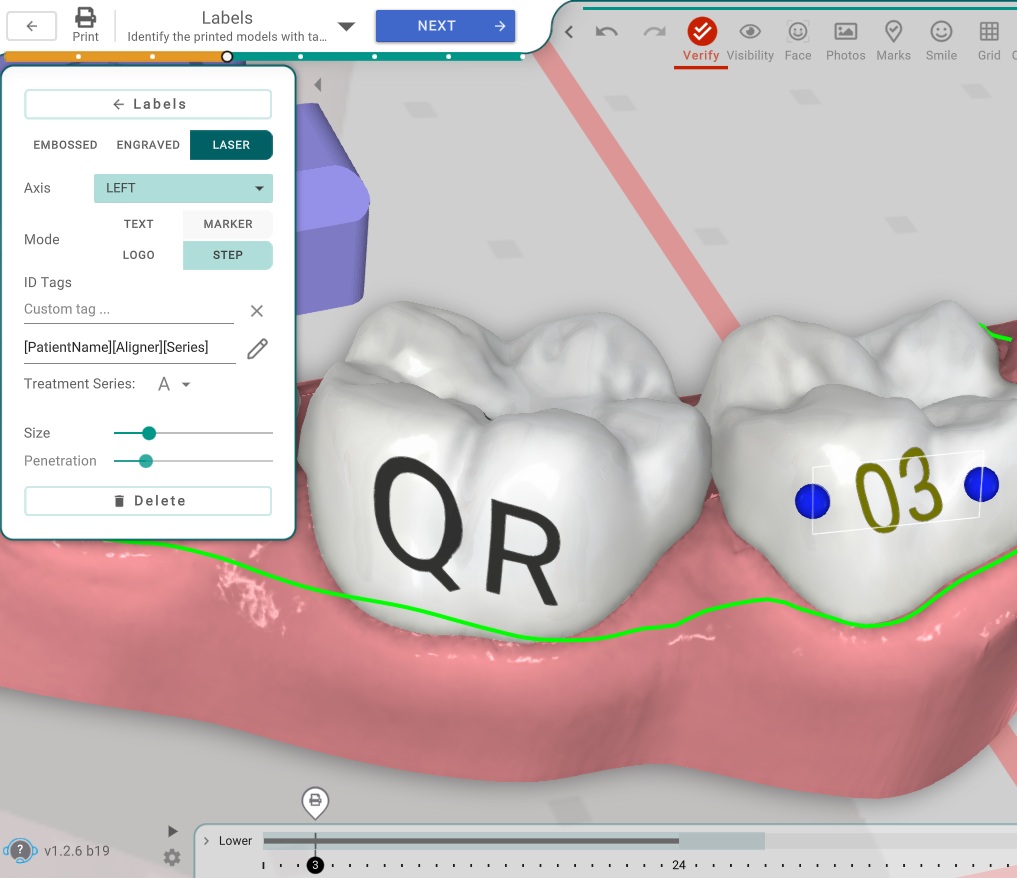
Configure projection direction, height, and positioning to get the perfect label placement every time.
Web Version Gets Even Better
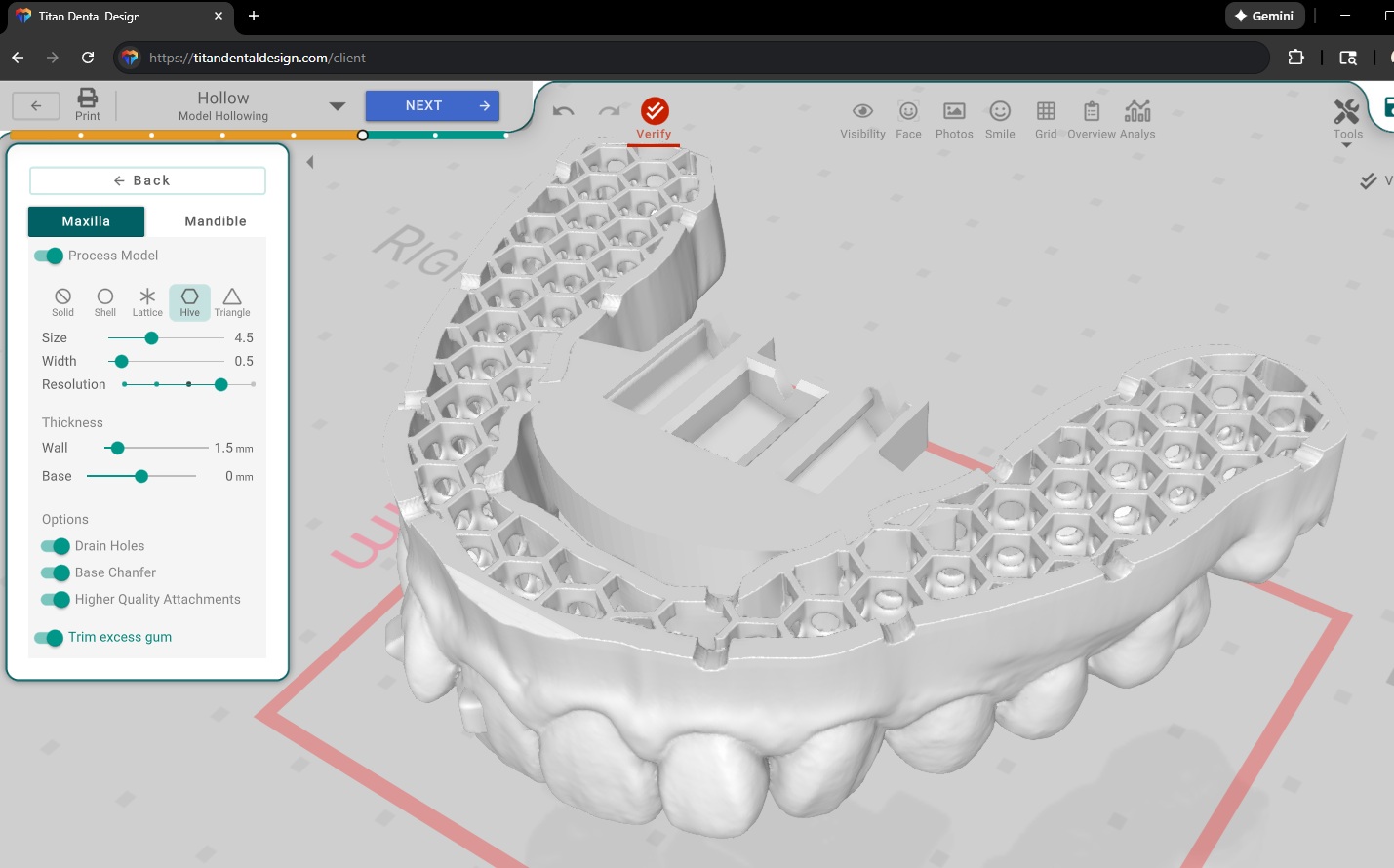
The Titan Web Version continues to evolve with powerful new capabilities:
- Direct Printing Shells are now visible and editable directly in the web version
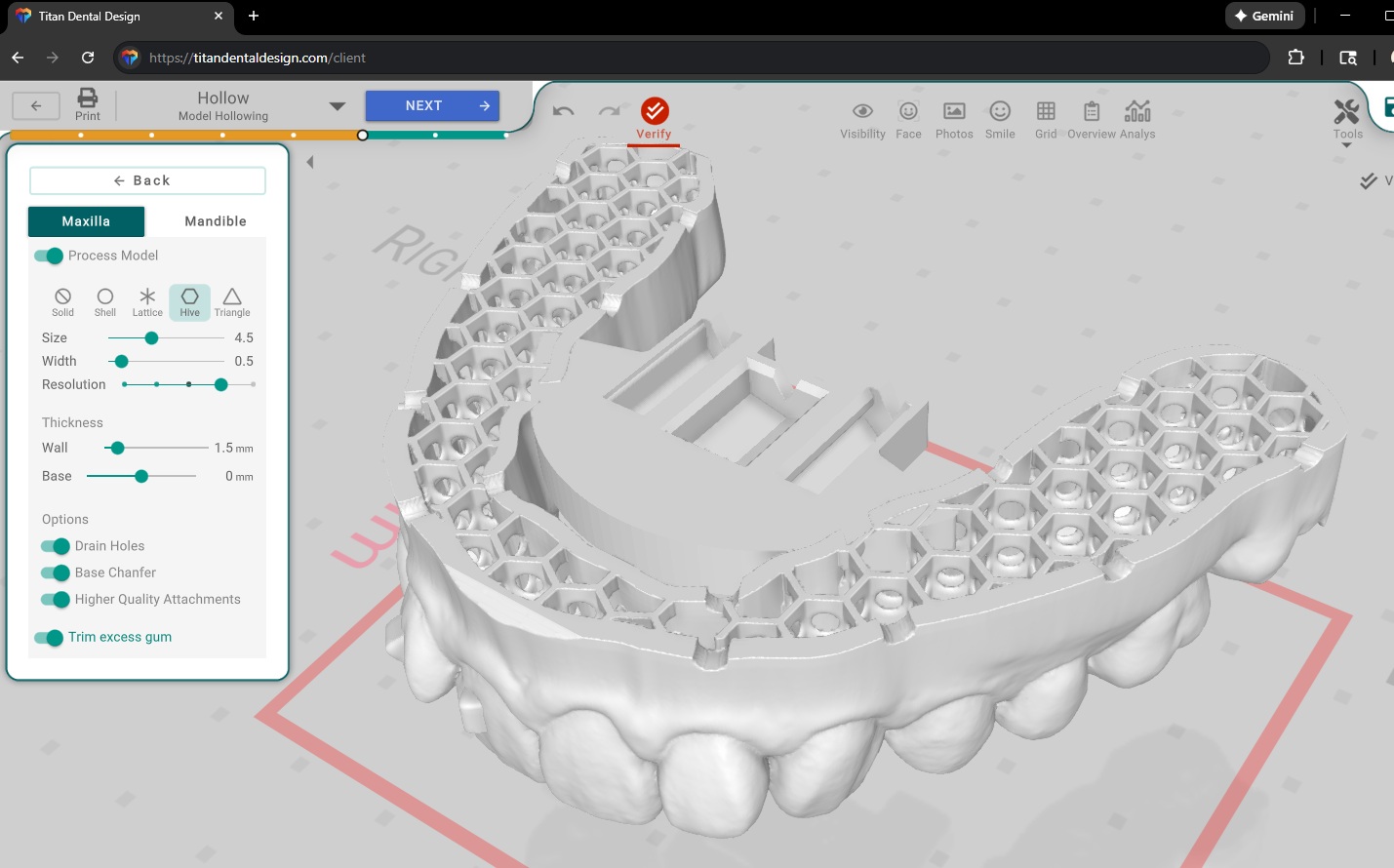
- Hollow models are customizable and exportable from your browser
- Large treatment exports now work smoothly even on low-memory devices
No desktop required for these essential workflows!
Enhanced Trimline Tools
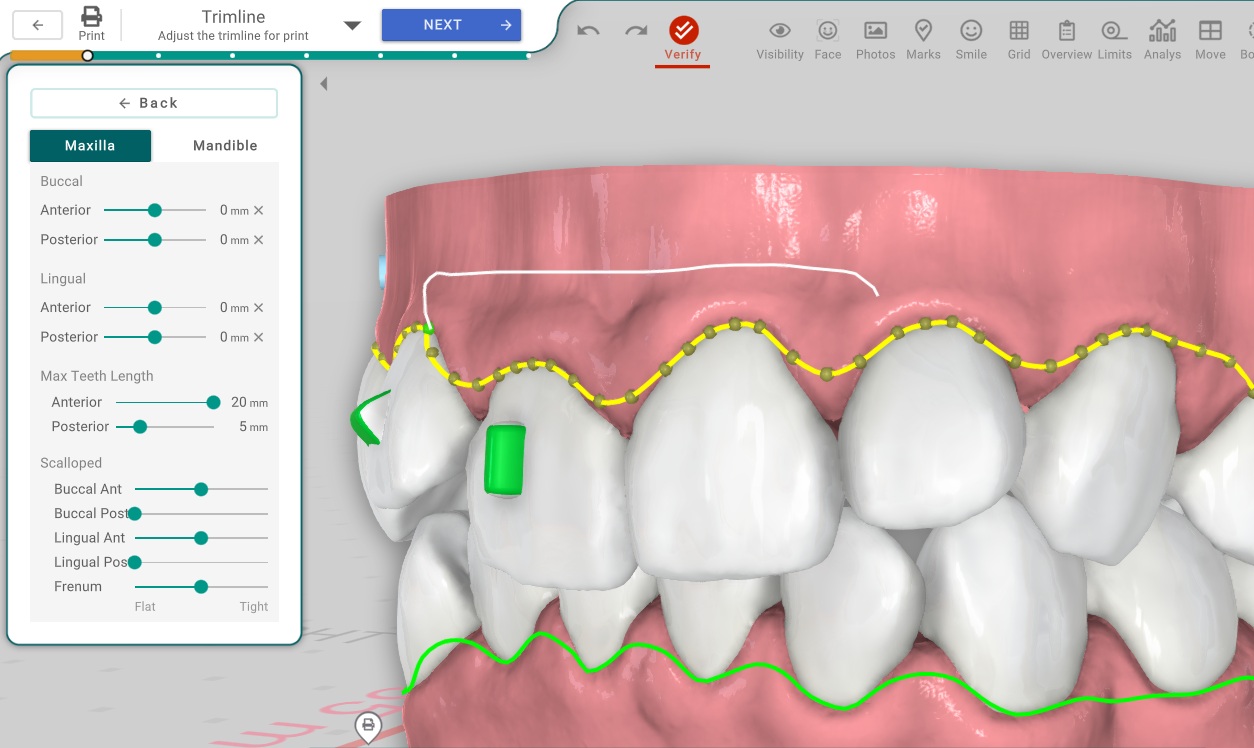
Working on a tablet? The trimline just got easier! On touch devices, simply press and hold to paint the trimline path instead of adjusting each tooth individually.
We've also added Trimguide support for Imes-icore Trimmer, expanding compatibility with more manufacturing equipment.
Improved Sharing Links
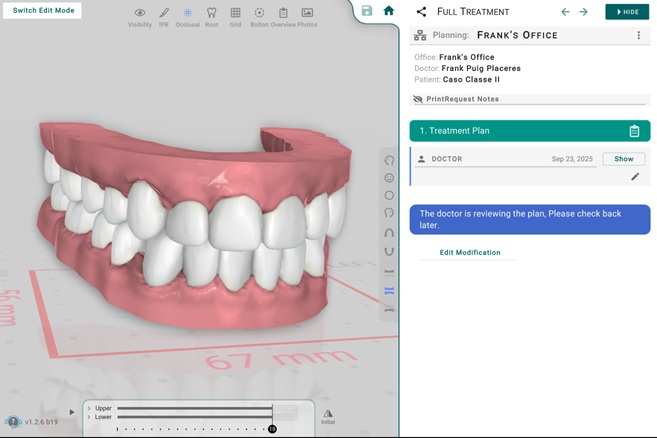
Sharing treatment plans with patients and colleagues is now faster and more polished:
- Enhanced performance when opening shared links
- Customizable toolbar buttons for your shared views
- Office logo display while content loads for a professional touch
Lab Tools & Workflow Improvements
We've made several improvements to streamline your daily workflow:
- Improved API with extensive documentation for integrations
- URL handler (
titandd://) for one-click access to Titan desktop from web links - Clickable links in planning descriptions and comments
- Communication indicator showing when there have been multiple exchanges with the doctor
- Simplified Start Planning flow with fewer steps and alerts
- Enhanced Lab Portal with more customization options and statistics
Other Notable Improvements
- Fixed segmentation colors not displaying after exiting 3D with "Show Original Scan Colors" enabled
- Shipping Label generator now supports additional courier services
- Enhanced NEXT step button visibility to guide new users
- Option to download original dental scans for editing in external software
- Warning when editing treatments in Early Access that Live version cannot read
- Print button dialog to choose between lab order or local STL export
- Staging Patterns now only affect selected teeth/arch
- STL export prevents pontics and attachments from extending beyond base plane
Conclusion
Titan v1.2.6 delivers faster performance, precision controls, and innovative attachments that take your treatment planning to the next level. From the multi-server infrastructure keeping you connected at top speed, to the granular shell thickness controls and new tongue trainers, this update is packed with tools to help you deliver better results.
Update to v1.2.6 today and experience the difference!