How to Create a Patient
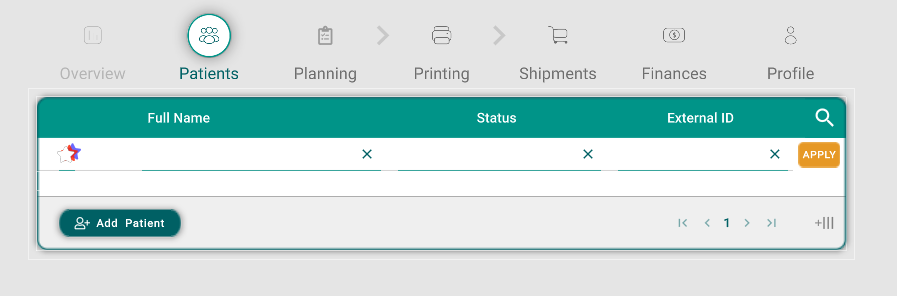
To create a new patient, start by navigating to the patient list. Here, you will find the "Add Patient" button, which you need to click to access the patient creation panel.
Once in the creation panel, you must enter at least the patient's name to proceed. Additional fields such as address, phone number, date of birth, and gender can also be filled out.
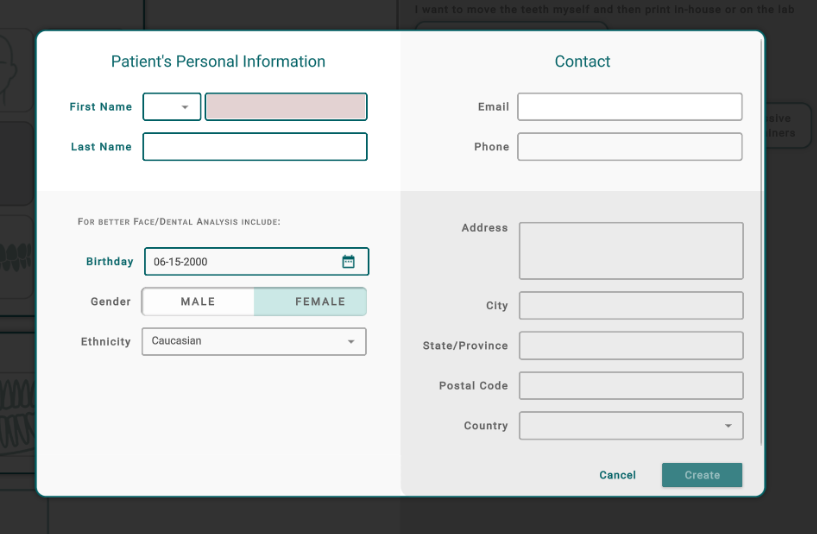
After entering the necessary information, click the "Create" button to finalize the patient creation. You will then be able to upload relevant content and manage the patient's treatment.