Export
The Export step is the last printing step. The models are trimmed, hollowed, shelled and supported — here you add the base, tag them, and export the printable files.
Open it
In the 3D View, go to the Export step, the last printing step.
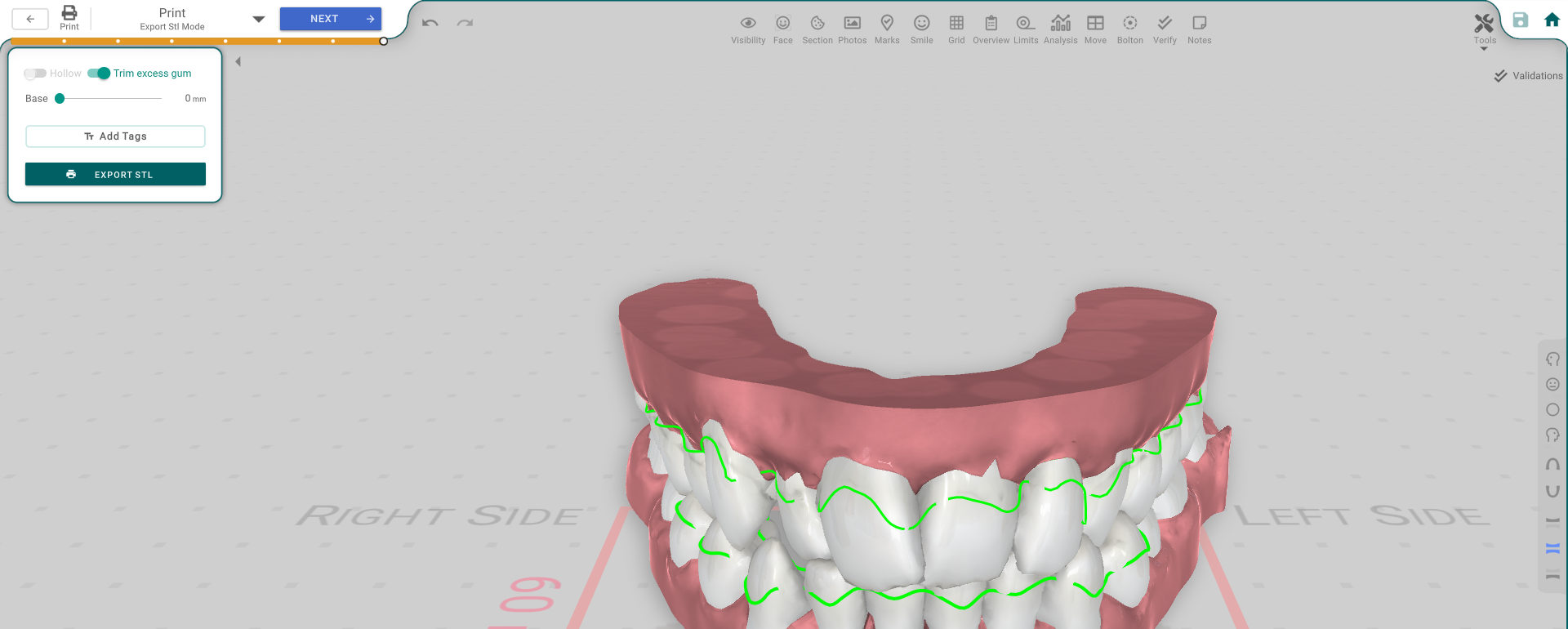
Prepare the export
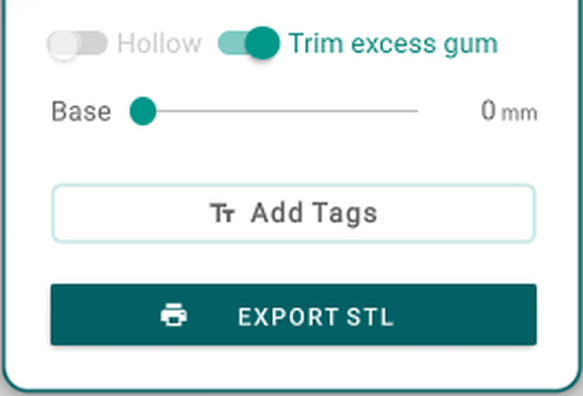
- Hollow / Trim excess gum — export the model hollowed, and trim excess gum.
- Base — how much base is added under the model so it prints flat.
- Add Tags — add the tooth labels to the exported models.
Export
Press Export STL to save the printable models to files.
If there's no Export STL button, local export isn't turned on for your account — create a print order instead and the lab prints it.