Trim Guide
A trim guide is a printable model that marks exactly where to trim the aligners by hand. The Guide step is where you build and adjust it.
Open it
In the 3D View, go to the Guide step, one of the printing steps.
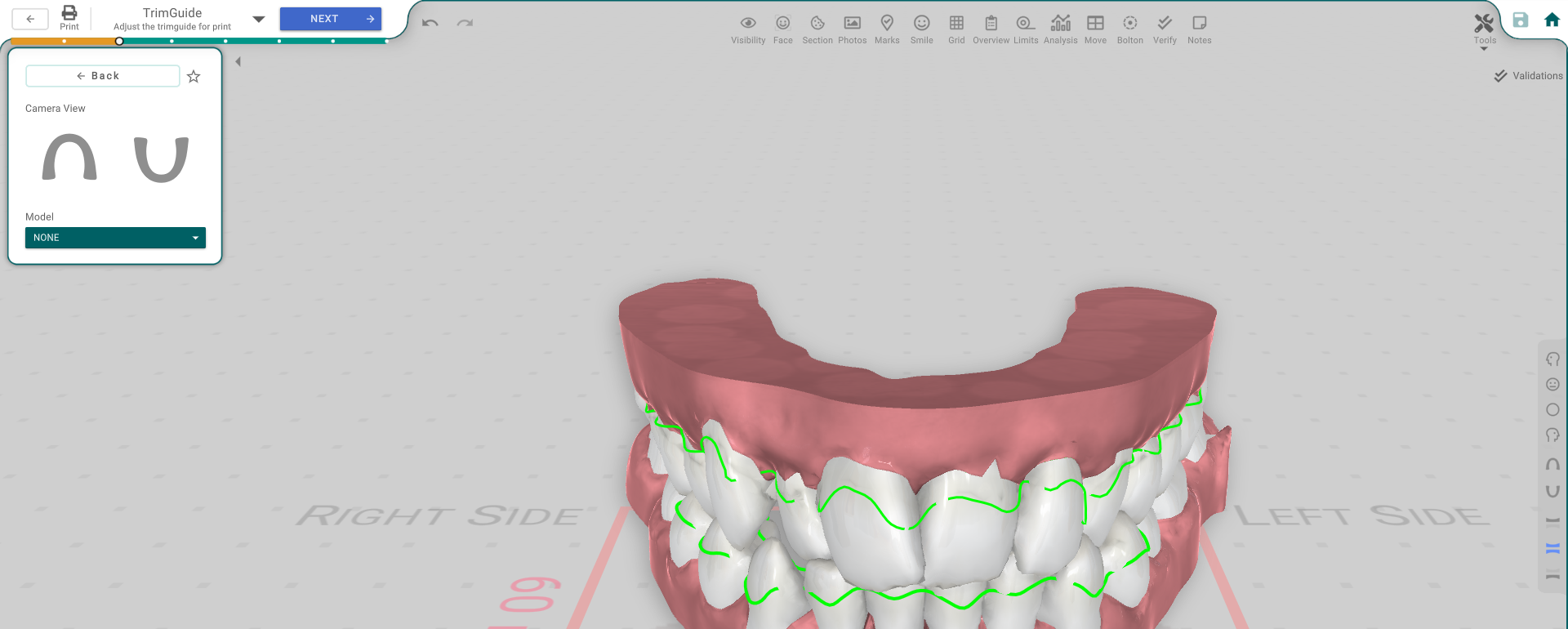
Build the guide
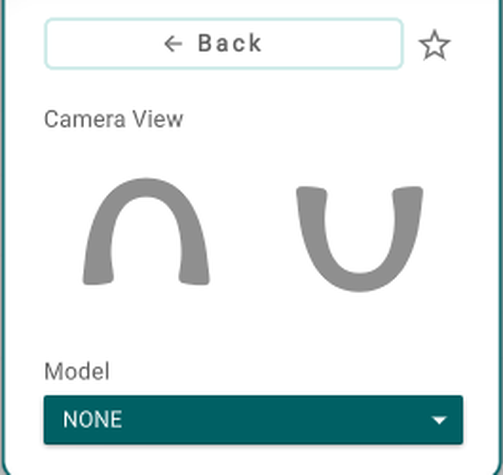
- Camera View — snap the view for working on the guide.
- Model — pick which model the guide is built on, or Import Model to bring one in.
While a guide is active, more controls appear: Guide Movement Type and Offset, or Reset Position to move it back. Add Custom Labels to mark it — click a label to open its own panel and set its text and font.
Favourites
The ★ saves the current guide setup or recalls a saved one, so you can reuse it.
Good to know
- The guide-specific controls appear only once a guide is active.
- The trim guide prints as its own model that marks the trimline.