Refinement
Refinement starts a new plan from an original treatment — a plan that continues from where the patient actually is after wearing the first aligners. The Refinement panel lets you pick the original plan and create the refinement from it.
Open it
In the 3D View, enter refinement mode. The Refinement panel appears. Back returns to the phase.
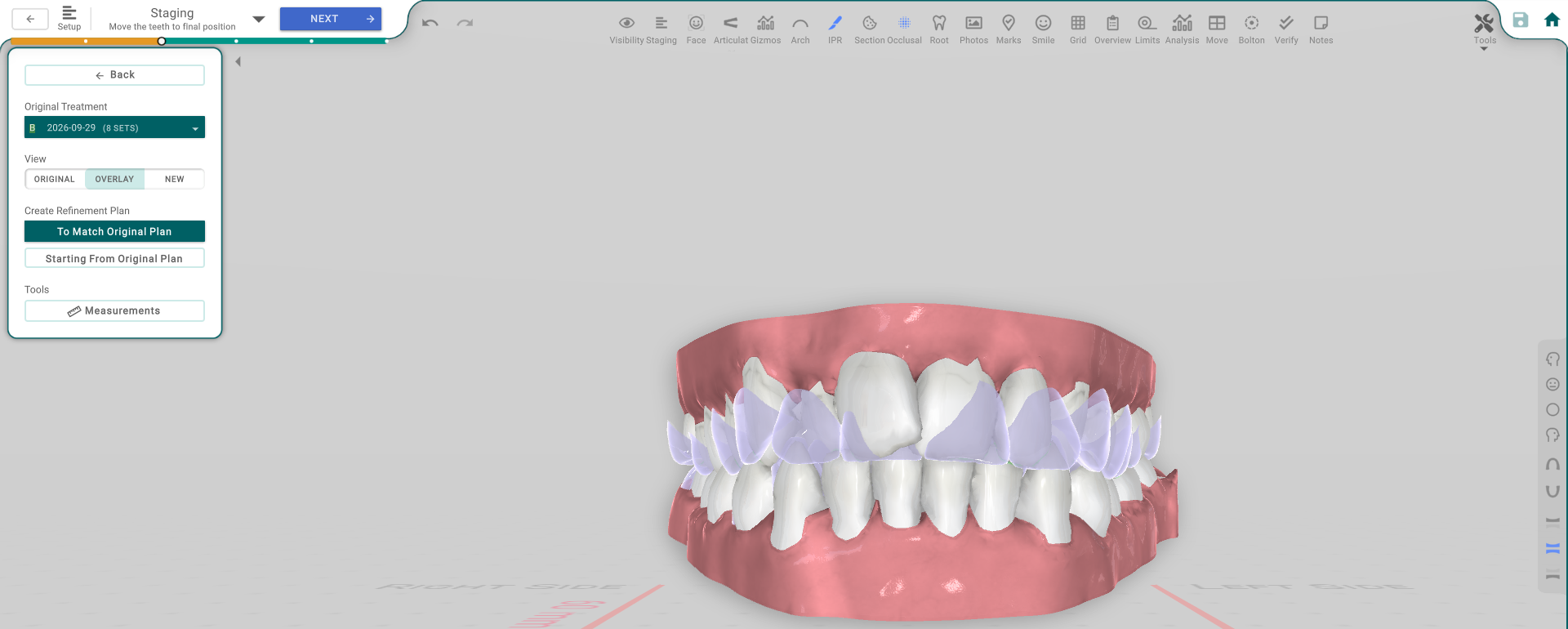
Create the refinement
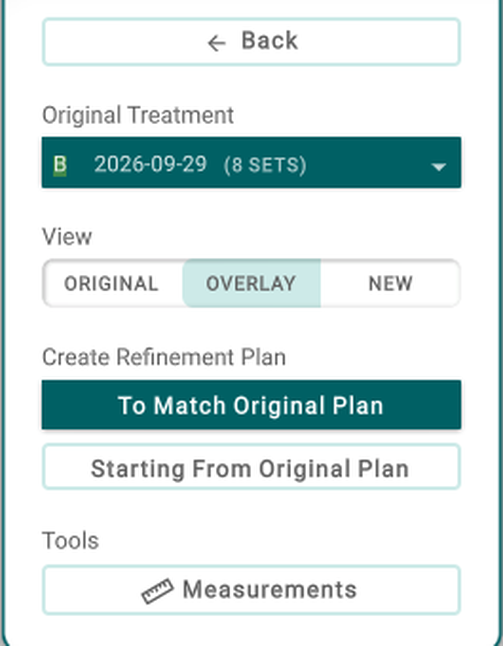
- Original Treatment — pick the treatment to refine from.
- View — Original / Overlay / New — how the refinement is shown against the original in the viewer.
- To Match Original Plan — build the refinement matching the original plan.
- Starting From Original Plan — build the refinement starting from the original plan.
- Measurements — opens the measurement popup for the refinement.
Good to know
- A refinement is a new plan built from an original — pick the original first, then create the plan.
- Once created, you edit the refinement in Setup and Staging like any plan.