Articulator
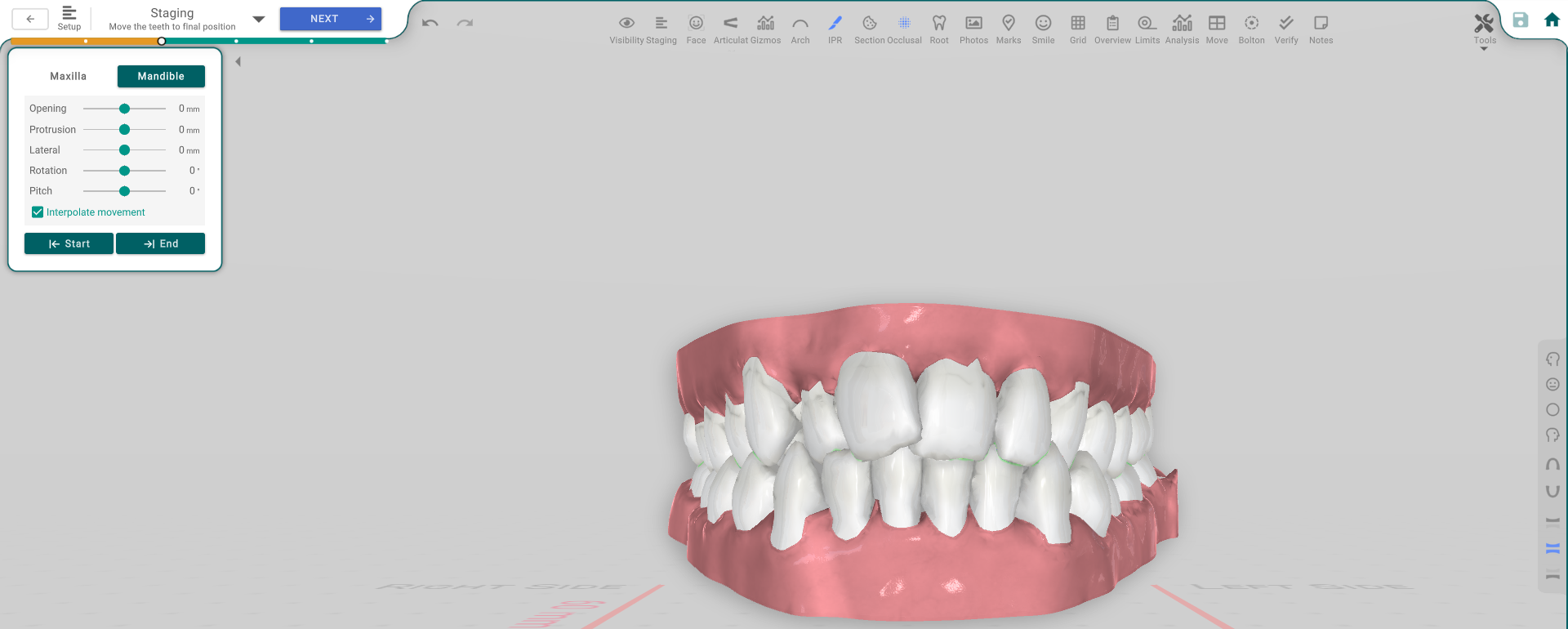
The Articulator moves the lower jaw on the Staging timeline, so you can set and check a jaw position — including a bite jump — at any point in the treatment.
Open it
In the 3D View, in the Staging area, open the Articulator tool. The Articulator panel appears.
Move the jaw
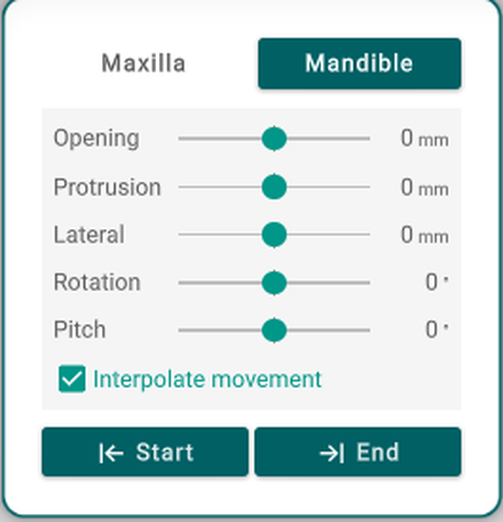
- Maxilla / Mandible — mandible-only for now; see Good to know below.
- Opening — open the jaw at the hinge.
- Protrusion — slide the jaw forward.
- Lateral — shift the jaw sideways.
- Rotation — rotate the jaw.
- Pitch — pitch the jaw.
- Interpolate Movement — blends the jaw move smoothly from the previous position; off, the jaw jumps straight to this one.
- Start / End — jump the timeline to the first or last jaw position.
Good to know
- This is mandible-only for now — the Maxilla tab is a placeholder for later and doesn't move anything yet.
- Moving a slider saves a jaw position at the current aligner. It's not just a preview: it becomes part of the treatment, can extend the number of aligners, and is included when the case is prescribed and printed.
- Both arches must be present for the articulator to work.