Select Variant
Select Variant is where treatment planning starts. It lists the variants — the treatments — of the dental scan you're working on, so you can open one, or create, rename and delete them. A variant is one plan; you can keep several for the same scan.
Open it
In the 3D View, the Select Variant step comes after the dental-scan preparation (segmenting and identifying the teeth).
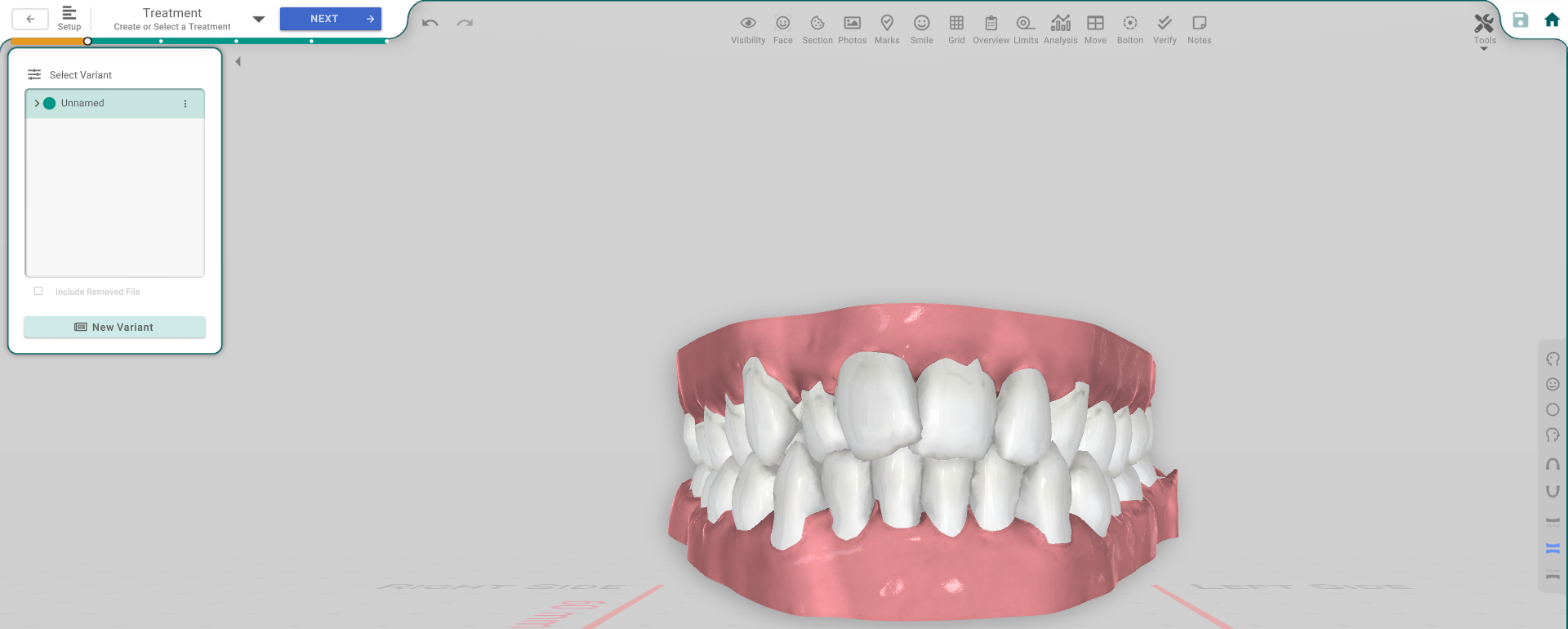
Choose or manage a variant
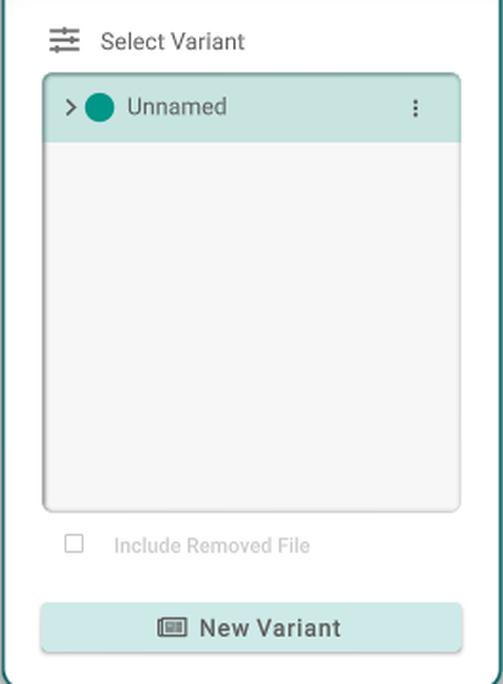
- A variant row — click to open it; that treatment is what you then edit in Setup, Staging and Attachments.
- ⋮ menu — New / Rename / Delete — start a new variant, rename this one, or delete it.
- Include Removed File — also shows deleted variants in the list.
- New Variant — creates a fresh treatment of the scan.
Good to know
- You can keep several variants of the same scan and compare approaches.
- Prepare the dental scan (segment and identify the teeth) before planning a treatment.